When clients stay involved throughout a web project, you get fewer revision rounds, faster decisions, and a final website that hits the mark. Collaborative web design works because it catches problems early and keeps everyone aligned before any code gets written.
However, many designers mistake client collaboration for constant check-ins or micromanagement. There’s a difference between involving clients and letting them derail the process.
In this article, we’ll break down how this approach works, what goes wrong when it’s ignored, and how to make collaboration smoother on your next project. Keep reading if you’re ready to see what changes when both sides work together from day one.
The Web Design Process Works Better with Two-Way Input
The web design process changes in noticeable ways when both the client and designer collaborate from the start. Here’s what happens when both sides stay involved:
- Missing Context Gets Filled In: Without steady client input, designers end up working from frozen assumptions. A strategy agreed on in week one can drift by week three. When clients stay in the loop, those changes surface immediately, so you’re adjusting direction instead of rebuilding the wrong thing.
- Early Problem Spotting: Clients live with their customers’ frustrations daily, so they catch usability issues you’d miss working alone. That perspective stops problems before they make it into the final design.
- Faster Revision Cycles: Silence stretches timelines. A simple unanswered question can stall momentum for days, but active collaboration turns decisions into real-time conversation, not inbox queues. The result is fewer idle gaps where projects quietly lose speed.
Working this way means fewer surprises at the reveal and more confidence that the site will work for their audience.
How Client Collaboration Speeds Up Design Decisions
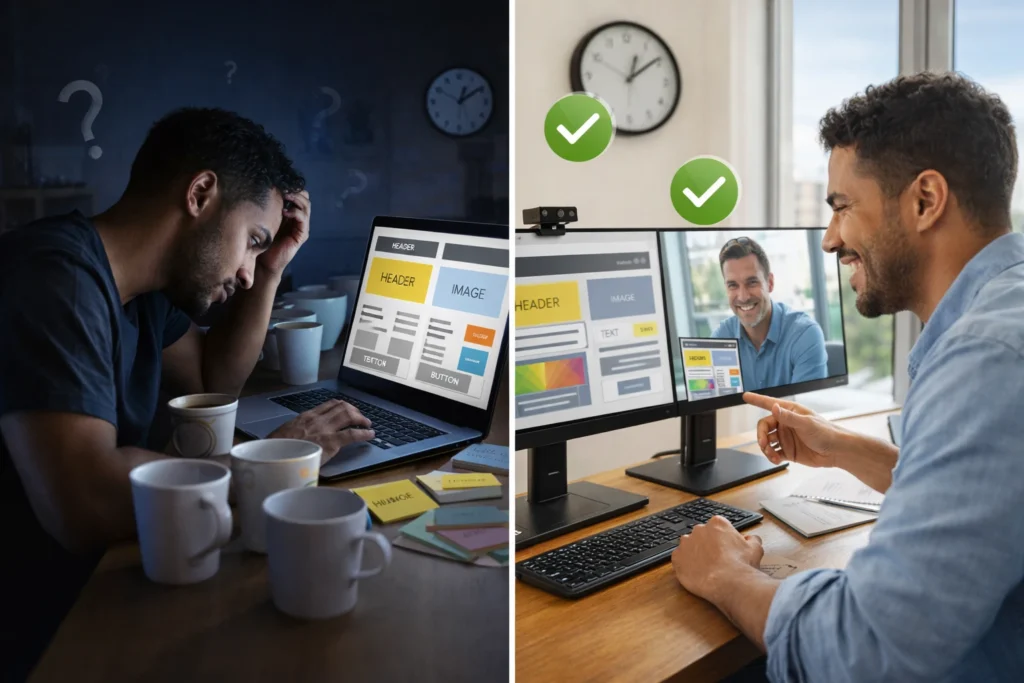
Designing in isolation means building something complete, then crossing your fingers that the client approves it. Collaboration flips this; you agree on direction early, so decisions happen while changes are still easy to make.
The difference shows up immediately in how fast you get answers. Say you email a client three design options and wait for feedback. You don’t know when it’ll come back or if the response will even be clear. But when you’re working together in real time, questions get answered on the spot. That instant feedback lets you clarify priorities right away rather than guessing what’s important or building multiple versions and hoping one works.
Direct access also removes the middleman between you and the decision-maker. That means details don’t get lost in translation or watered down through layers of communication. When a client says “make it pop,” you can dig into what that means in the moment without designing around assumptions.
Content Creation: Why You Need Your Client’s Industry Knowledge
You need your client’s industry knowledge because they already understand how their customers talk, what confuses them, and what makes them trust a brand. Generic web copy doesn’t capture the tone their audience responds to or address the specific objections they raise before buying.
When clients stay involved in content creation, messaging remains accurate. They catch terminology mistakes that would make their business look out of touch. Plus, they know which benefits resonate with customers and which features are just nice-to-haves.
Without that input, you’re basically guessing your way through their industry. You might nail the visual branding, but if the words don’t land, the site won’t perform. Client expertise fills in the gaps that research alone can’t cover.
Keeping Projects on Track Without Losing Good Ideas
Working side by side opens up new ideas constantly. The real challenge is capturing the good ones without letting the project drift off course. To manage that balance, you need boundaries that leave room for flexibility and channel feedback productively, not pushing timelines off track.
Setting Boundaries That Still Allow Flexibility
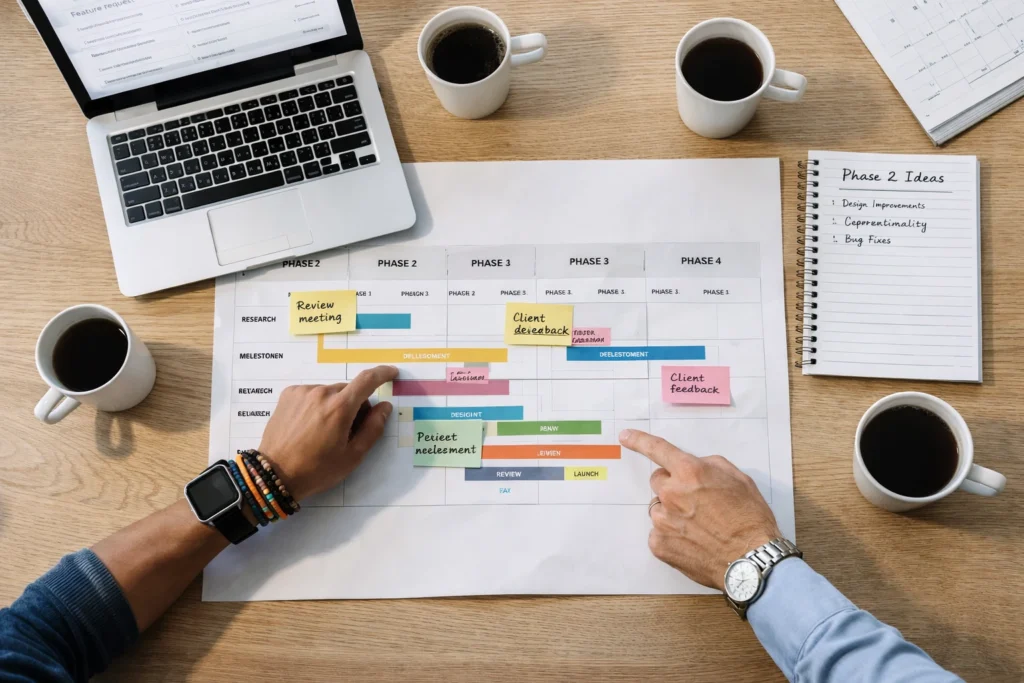
Set a clear project scope upfront, while allowing adjustments when better solutions emerge. When you’re collaborating daily, you can immediately see how each new idea affects the workload. It also makes trade-offs visible, so it’s easier to judge whether a feature is worth adding another week to the schedule.
For example, a client might suggest adding live chat to an e-commerce site mid-project. Rather than automatically saying yes or no, you look at it together to ask: Does this solve a real customer problem? Can it wait for phase two?
When both sides review the timeline, the right call usually becomes clear.
When Feedback Becomes Feature Bloat
Put yourself in the client’s shoes. If you were launching a site, you’d probably want it to feel impressive. That’s how requests like custom animations on every page come up. But working closely often reveals that customers care far more about fast load times than visual flair.
This is where honest conversation earns its keep. Talk through cost-benefit trade-offs, timeline impact, or anything else that could allow feature creep to delay launch. When clients see that five “small” additions translate into two extra weeks of work, priorities tend to realign.
That clarity keeps the project focused on what actually drives results, not stacking features for the sake of it.
Collaboration Tools Worth Your Time
Collaboration usually breaks down not because teams don’t care, but because feedback gets scattered, delayed, or lost entirely. The right tools remove that friction without adding more hassle. Below are the ones we’ve seen teams stick with:
- Figma: If you want clients to see design updates as they happen rather than waiting days, this tool is perfect for that. You can also see changes in real time on the same canvas. That means no more back-and-forth of “can you show me what it looks like if we move this section up?”
- Slack: Project conversations get messy without a tool like Slack keeping everything organized. Once it’s set up, you can search for that decision someone made two weeks ago without digging through hundreds of email threads.
- Loom: Want to explain a design choice without typing three paragraphs or scheduling another meeting? Loom lets you record a two-minute walkthrough that clients watch on their own time.
- Notion: This one takes a bit of getting used to, but it’s worth the learning curve. When you get the hang of it, you can store feedback and decisions in one spot where the whole team sees them. So nothing gets lost between conversations or forgotten in someone’s notes.
Pick tools your team will open every day, not ones that sound impressive but collect dust.
Better Outcomes: What Collaborative Projects Deliver
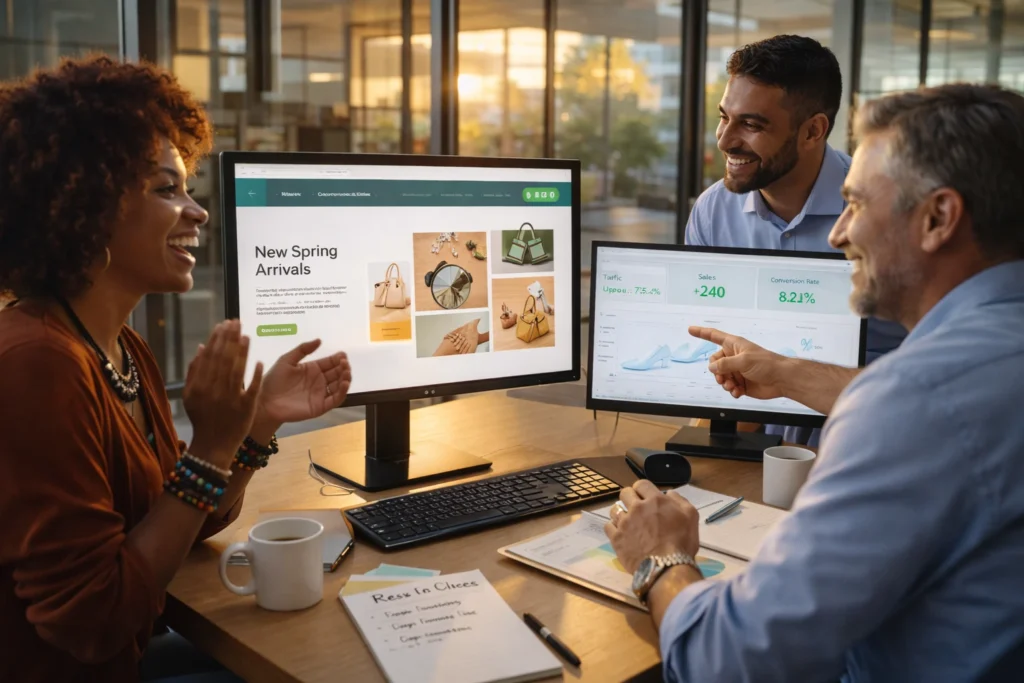
Collaborative projects consistently deliver better results, and the proof shows up in client satisfaction and launch timelines. When both sides stay involved from the start, the final product lands closer to what was needed and gets there faster.
Those benefits tend to show up in two main ways.
Higher Client Satisfaction Rates
Clients who participate feel ownership over the outcome, which leads to fewer complaints after launch. Being involved builds trust because you’ve seen the effort and understand why certain decisions were made. Those shared wins strengthen relationships and often lead to referrals or repeat work.
Fewer Revisions, Faster Launch Dates
Catching issues early prevents major rebuilds after weeks of work are already done. Regular feedback removes the dreaded “this isn’t what I wanted” moment at launch. Because approvals happen gradually rather than all at once, projects move forward with fewer delays and more predictable timelines.
Ready to Build Something Together?
Collaboration changes how web projects unfold. When clients stay involved, you get fewer surprises, tighter timelines, and a final product that matches what you set out to build.
If you want websites that hit the mark the first time, start by bringing clients into the process early. Set clear boundaries, use the right tools, and keep communication open right from the start.
For more insights on building better websites, visit Gecko Tag or check out our other resources on web design that works.