
Studies show 88% of online users won’t return to a website after a bad experience. This single statistic explains why a thorough website audit is so important for your business.
We know that reviewing websites feels overwhelming when you’re staring at dozens of moving parts. You’re trying to check website design, content, speed, search engine optimization, and user experience all at once.
And from that pressure, most site owners end up skipping important pages or wasting hours on things that don’t affect their ideal clients.
That’s why we’re here with a step-by-step framework that will help you evaluate everything without feeling lost. This guide will show:
- The audit process is broken into manageable sections
- How to check website content that connects with users
- Simple ways to improve performance without technical headaches.
So, let’s start with your website review process.
Website Review Steps: Where Do You Even Start?
Website review steps start with organizing your evaluation into clear categories instead of randomly checking whatever catches your eye first.
Every successful website audit needs a clear starting point that prevents you from jumping around randomly. Just like cleaning a house, you tackle one room at a time instead of running between the kitchen, bedroom, and bathroom.
We recommend grouping related items, like website design, content, and technical aspects, for easier focus. Then tackle one category completely before moving to the next without spinning your wheels.
This will reduce mental fatigue and help you spot patterns easily within each area. You’ll notice inconsistencies faster when you’re looking at similar design elements back to back.
Pro Tip: Check all your visual elements (fonts, colors, images, spacing) in one sitting. Then move to website content. And then technical stuff.
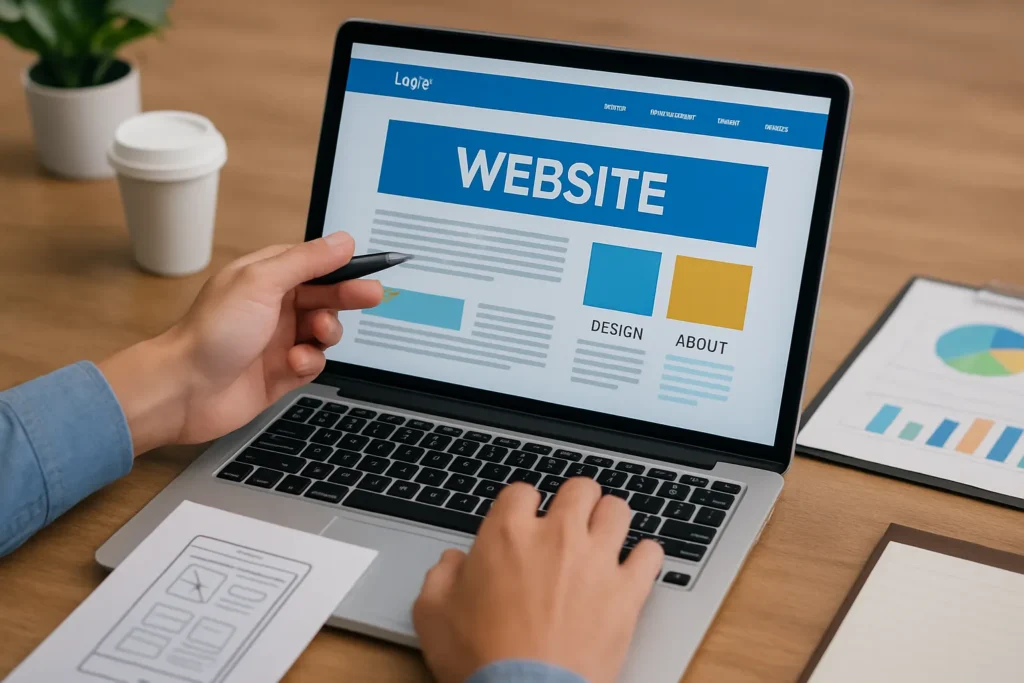
Visual Elements and First Impressions
Ever notice how some websites feel “off” the second they load, even though you can’t pinpoint exactly why? It’s because subtle design cues like awkward spacing, mismatched fonts, or slow load times signal low credibility before your brain even consciously registers what’s wrong.
Which is how visitors form opinions about your site within seconds based purely on what they see. Colors, fonts, images, and spacing create immediate emotional reactions that affect trust levels in them and show professionalism.
Imagine is a law firm using three different header styles across five pages. It sends the wrong message, even if each individual page might look fine.
That’s why we recommend testing the visual appeal of your website. It involves checking if your brand identity comes through clearly, and if everything feels intentional rather than thrown together. Especially your website homepage needs that polish since most potential clients land there on their first visit.
Content Quality: Is Your Message Actually Landing?
Great website design means nothing if your words confuse visitors or fail to connect (we’ve all clicked away from pages full of vague solutions). You’re not writing to impress English professors. You’re communicating relevant information to busy people who want quick answers.
When you review website copy, look beyond grammar to check actual communication effectiveness. Does your content answer the questions users actually have, or does it just fill space?
This is how you can review your website content to make it useful to the visitors.
Testing Your Value Proposition
Your website homepage should explain what you offer within five seconds of someone landing there.
Nobody wants to admit this, but vague statements like “we provide solutions” tell visitors nothing about your actual services. Now, if you compare that to “We create custom WordPress sites for healthcare practices in under 30 days,” it makes sense instantly.
Strong value propositions answer why someone should pick you over every other option available. Your ideal clients need to see immediately how you solve their specific problem.
Pro Tip: Bring focus to a compelling call to action to guide them to the next step. It helps your visitors find a solution easily.
Checking for Broken Links and Outdated Info
Dead links frustrate users and make your business look neglected or unprofessional to potential clients (trust me, visitors notice these immediately, even when you don’t).
You can look for old dates, discontinued products, or past team members. These things signal that the site hasn’t been maintained properly. To give you an idea, a footer copyright from 2019 or a blog post announcing “our new 2020 services” tells visitors you’re not paying attention.
Also, regular checks for broken links prevent visitors from hitting dead ends when they’re ready to engage. Internal links should all work smoothly, so your website audit should flag every dead web page.

Watching Your Site’s User Experience
What if your navigation makes perfect sense to you but leaves everyone else confused and frustrated?
Observing actual user behavior reveals problems you’d never notice when you’re just clicking around yourself. You know where everything is because you built the site. But first-time users don’t have that advantage.
For instance, a confusing navigation bar or unclear menus can kill conversions fast. When users find your website like a puzzle, they’ll just leave and look for a competitor with a more user-friendly site.
Take a look at how your visitors can meet their goals on your website.
Tracking User Behavior Patterns
Analytics show which pages people visit, how long they stay, and where they exit. High bounce rates on important pages tell you that something isn’t working as intended.
From our experience working with client websites, pages with bounce rates above 70% almost always have clarity problems. And that can come from confusing headlines, unclear value propositions, or poor mobile responsiveness.
Google Analytics helps you collect data on traffic sources and user behavior patterns. You can see which landing pages perform well and which ones need work. Top landing pages deserve extra attention since they’re often the first impression potential clients get of your business.
Pro Tip: Check the heatmaps because they reveal where users actually click versus where you think they’re clicking. Probably that important call-to-action button you love is sitting in a spot where nobody ever looks.
Simple Fixes That Make Your Site More User-Friendly
Small usability improvements often have the biggest impact on how long visitors stay on your website and whether they actually take action. And you don’t need a full redesign for that. Just clearer paths, faster loading, and an effective layout are enough. Look at the details:
- Clear Navigation Labels: Clear navigation labels help visitors find what they need without guessing or searching excessively. A quick example, “Services” works better than “What We Do” for most websites.
- Mobile Responsiveness: Over half of your visitors probably use phones. If your website looks broken on mobile, you’re losing half your audience automatically. Mobile-friendly design isn’t optional anymore these days.
- Fast-Loading Pages: Three seconds feels like forever when you’re staring at a loading spinner. Good page design balances visual appeal with speed. Because fast-loading pages keep people engaged instead of waiting around for content to appear.
A user-friendly site will always perform better, even when your design doesn’t look high profile. Small tweaks here and there can turn your visitors’ confusion into clarity and clicks into conversions.
Technical Performance (No Engineering Degree Required)
Technical performance checks are the fastest way to identify issues that are silently driving visitors away from your site.
As you know by now, website performance affects everything from search rankings to whether people stick around long enough (yeah, speed is that important). Amazon found that every 100ms of load time costs them 1% in sales. You might not be Amazon, but this principle is true for you, too.
Good news for you, basic functional testing only requires the right audit tools and guidance. There are free tools like Google’s PageSpeed Insights that tell you exactly what’s slowing you down. You can even identify page speed, mobile compatibility, and security issues with simple tests like this.
Easy Guide to Search Engine Optimization
Search engine optimization determines whether your ideal clients can actually find your website online. Your rankings depend on dozens of factors, but you don’t need to master every technical detail to see results.
After reviewing dozens of sites ourselves, we’ve found that most businesses overlook simple strategies that could boost their organic traffic. That’s why reviewing search engine optimization piece by piece makes everything easier to handle instead of trying to optimize everything simultaneously.
Here’s how you can start with the basics.
Audit Tools That Won’t Confuse You
You don’t need expensive or complicated software to understand what’s going on with your website. A handful of simple, beginner-friendly tools can show you where your site is performing well and where it’s silently losing traffic, speed, or visibility.
Here are some good tools you can use:
- Google Search Console: Free website audit tools like Google Search Console show exactly how search engines view your site. You can see which pages are indexed, which keywords bring traffic, and what errors Google found.
- GTmetrix: Page speed testers reveal loading issues that hurt both user experience and search rankings. It can be oversized images, render-blocking scripts, or something else. Tools like GTmetrix will tell you what’s causing those slowdowns.
- Simple Browser Extensions: Simple browser extensions can identify missing meta descriptions or other common problems instantly. SEO Minion or SEOquake work right in your browser without a complicated setup.
Pro Tip: We recommend you use a basic keyword research tool to boost your SEO. Tools like Google Keyword Planner, Ahrefs Free Keyword Generator, and Ubersuggest will show you search volume and competition.
On-Page SEO for Better Rankings
You can strengthen on-page SEO with just clear writing, accurate descriptions, and smart internal linking. When your content is easy for both users and search engines to interpret, your pages naturally become more discoverable.
These simple practices can boost your ranking immediately:
- Titles & Meta Descriptions: Page titles and meta descriptions should include relevant keywords and sound natural to readers. Stuffing “best plumber Chicago cheap plumbing Chicago plumber” into your title helps nobody. Write for users first, search engines second.
- Descriptive Image Alt Text: Try writing image alt text. It helps search engines understand your visual content and improves accessibility. But you need to describe what’s actually in the image. “Modern kitchen renovation with white cabinets” is much better than “image-final-v3.jpg.”
- Internal Linking: Internal links connect related web pages and help visitors discover more of your relevant content. So, link your blog posts to service pages and vice versa.
When your site is clearly structured, visitors instantly understand what they’re looking at (and so do search engines). That’s why small on-page improvements like these can bring you steady traffic and engagement.
Review Your Site With Confidence
A solid website audit is just the starting point for building a site that is beneficial for your business. And they become manageable when you break them into focused areas like website design, content quality, and technical performance.
Remember, you don’t have to fix everything overnight. Instead, build a roadmap that prioritizes what’s most important to your ideal clients. Regular reviews keep your site performing well and catch small issues before they affect user experience or search rankings.
And when you need professional support regarding your website, call us. Gecko Tag specializes in creating and maintaining user-friendly websites that convert visitors into potential clients.